Oct 08, 2008  Welcome, Guest [ login  English US [ change ]  

SEARCH
Advanced search

SITE OPTIONS
Print this page
E-mail this page
Newsletter sign-up
Add to Learning List

CERTIFICATIONS
Microsoft Certified Partner
Microsoft .NET Connected
Certified IMS Developer
HR-XML Consortium Certified
AICC Certified
what this means...

  Questionmark Perception Authoring Open Authoring

Open Authoring

Background

Authentic questions that effectively measure knowledge and enhance learning depend on the knowledge and expertise of subject matter experts (or SMEs) within an organization. Unfortunately, the process of "harvesting" this content is potentially burdensome for all parties involved. SMEs are usually busy with their own jobs, and may lack the time, resources or skill to learn and use an authoring tool. The alternative, however, is for SMEs to do deliver items to assessment authors in a variety of formats -- emails, Word documents or even paper -- that must be manually keyed in, one question at a time.


Open Authoring Streamlines Content Harvesting

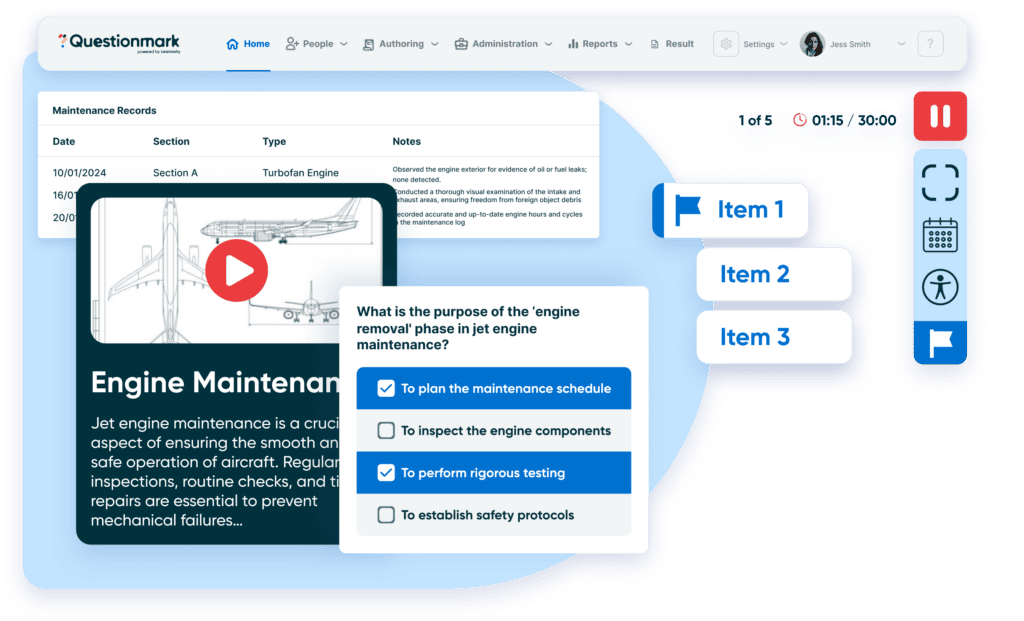
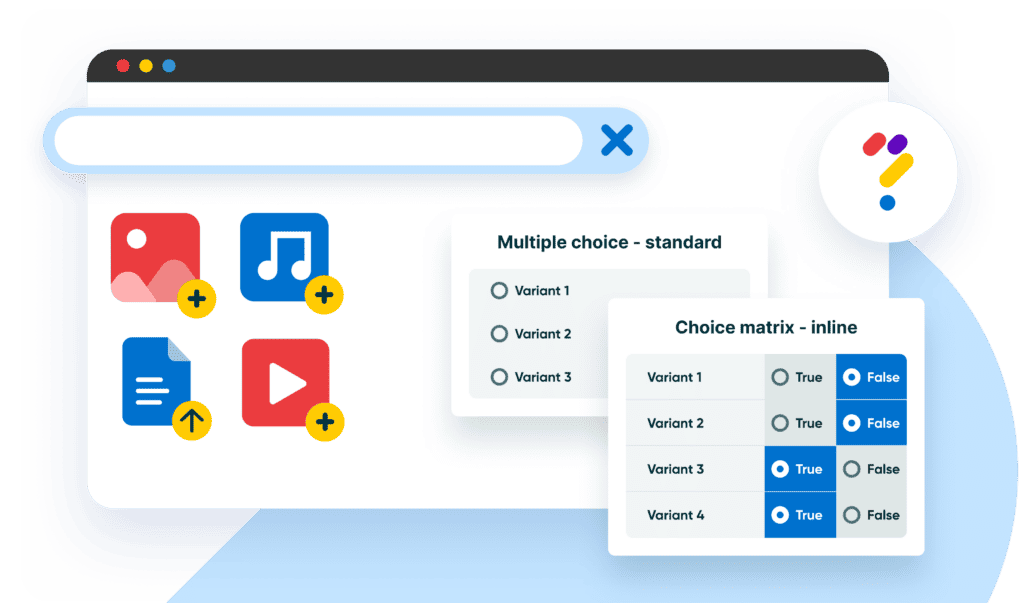
Questionmark Open Authoring streamlines content harvesting by providing a simple, web-based form that SMEs can use to create multiple choice questions that are saved directly to your Perception repository. Because Open Authoring is browser-based, there is no software to install and it can be made accessible anywhere within your organization. Open Authoring prompts authors to enter a question stimulus, description, choices, and feedback -- saving the assessment author valuable time from the tedious task of pasting items parts from other resources.


How it Works

Open Authoring is a simple form that SMEs access using a web browser to enter multiple choice questions directly into a Perception repository. The form prompts authors to enter a question stimulus, description, choices, and feedback, to identify a correct choice, and to specify whether choice shuffling should be used when delivered to the participant.

SMEs enter questions, Open Authoring Saves Questions to Repository, Author reviews, edits and deploys questions

Open Authoring makes item harvesting more efficient while still maintaining the security and integrity of your organization's item bank and workflow processes. Upon "submitting" the form, the new item is saved to a holding area in the Perception repository. Open Authoring flags the item as "incomplete", requiring intervention of a qualified assessment author to review and approve the item before it may be deployed in an assessment. Only an assessment authoring with with the appropriate security privileges may review the item, move it to an appropriate topic in the item bank, edit the it if necessary, and change the status of the item so it can be used in an assessment.


Benefits
  • Streamlined harvesting of content from Subject Matter Experts (SMEs)
  • Reduced burden on assessment author
  • Secure, controlled deployment of items into the repository
  • Simple tools for SMEs to use -- no learning curve
  • Browser-based -- No software for SMEs to install
  • Accessible throughout the enterprise


  Learn More: Evaluate:
 
Animated overview of Open Authoring
Download software
 
Animated overview of Authoring Manager
Attend a web seminar
 
Animated overview of Browser Authoring    
 
Animated overview of Word Authoring Templates    
         
  Reference Material:
  PDF document Comparison of Authoring Options (PDF)    

Top of page

How useful is the information on this page?
Not at all useful
Very useful

Copyright © 1995-2008 Questionmark Corporation and/or Questionmark Computing Limited, known collectively as Questionmark. All rights reserved.
Questionmark is a registered trademark of Questionmark Computing Limited. All other trademarks are acknowledged.
Legal information and Conditions of Use - Privacy Policy